Pepper&Carrot
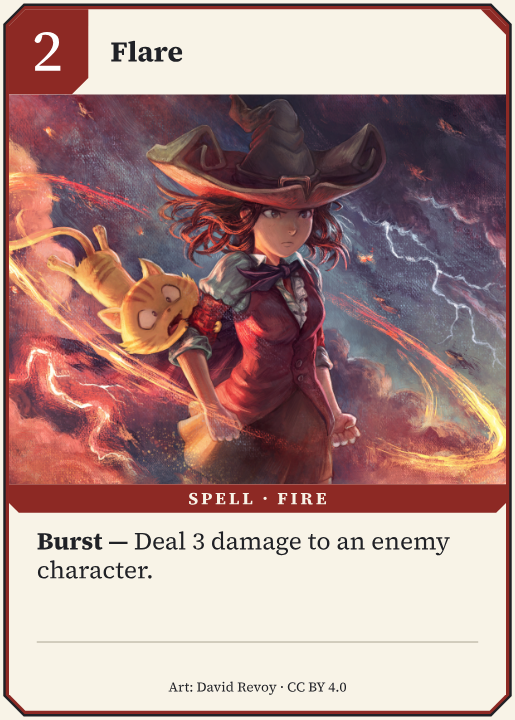
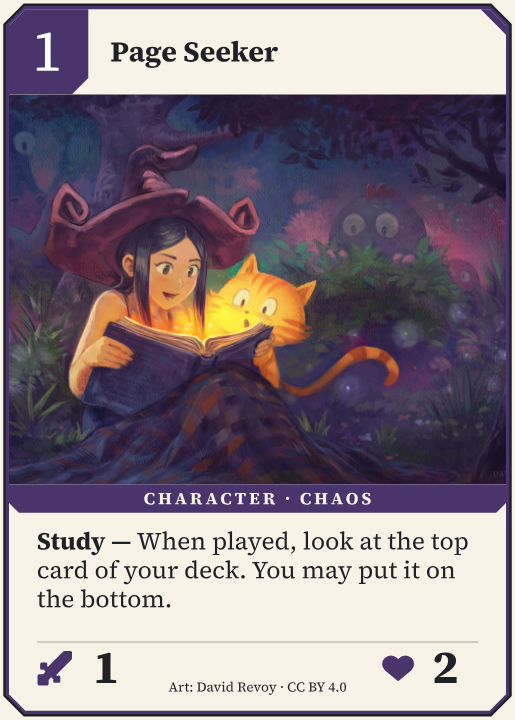
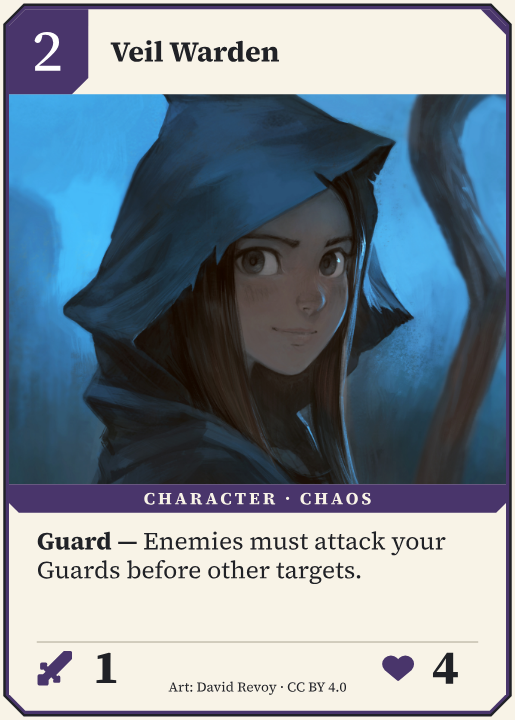
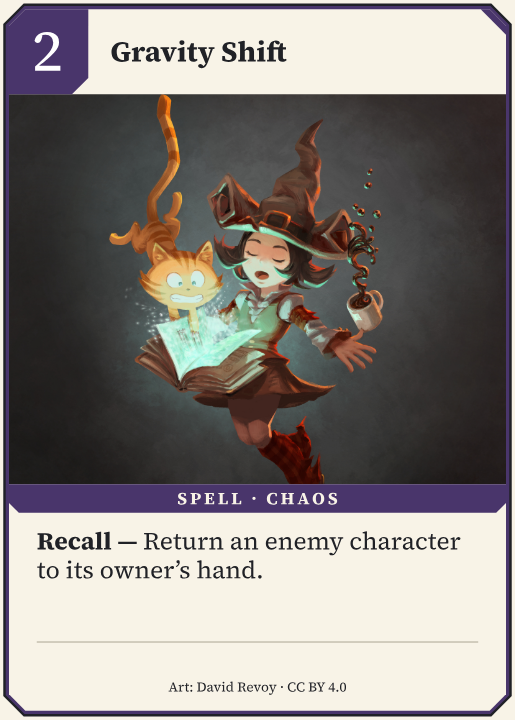
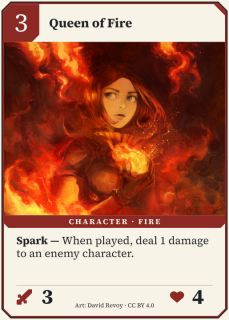
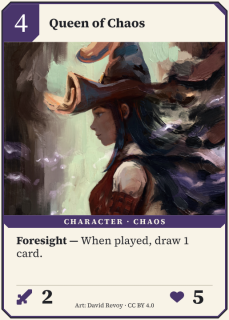
A two-faction card battler. Shape the characters, spells, and rules.
Design your cards. Build your deck.
Put your next idea to the
test.
Start locally. No account needed.
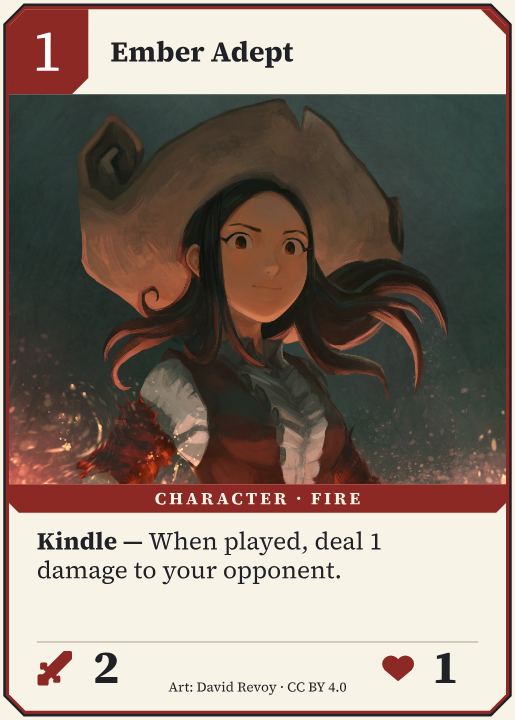
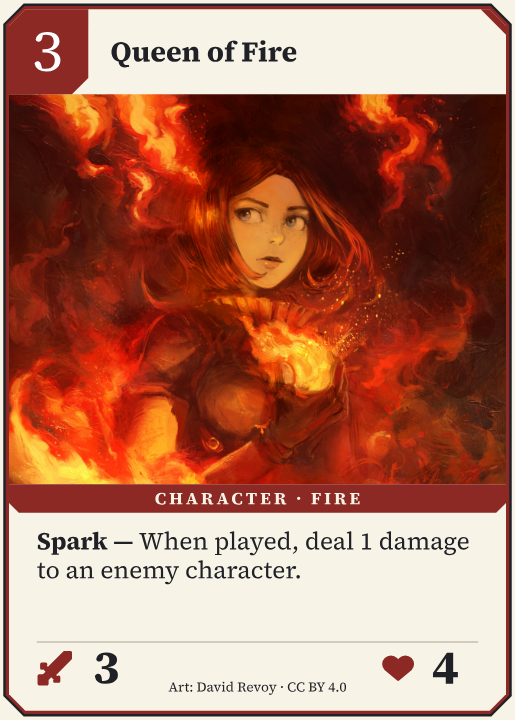
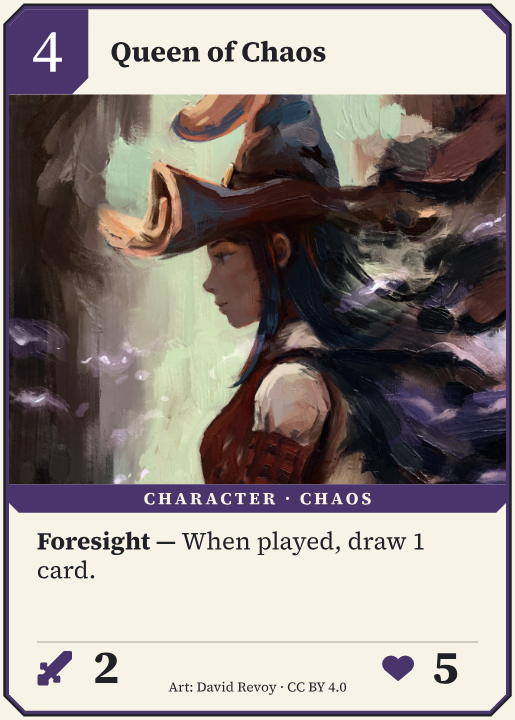
Demo card illustrations by David Revoy · CC BY 4.0 · Credits
Bring your artwork. Shape the layout.
Give every card a place
in your game.
Refine the shared layout.
Change the details on each card.
Spend your time exploring the next version of your game.
The cards you designed.
A new way to put them to the test.
Take a turn, switch seats, and undo a move.
Print the cards you designed.
Bring your prototype to your own
table.
Download a print-and-play PDF for A4 or US Letter.
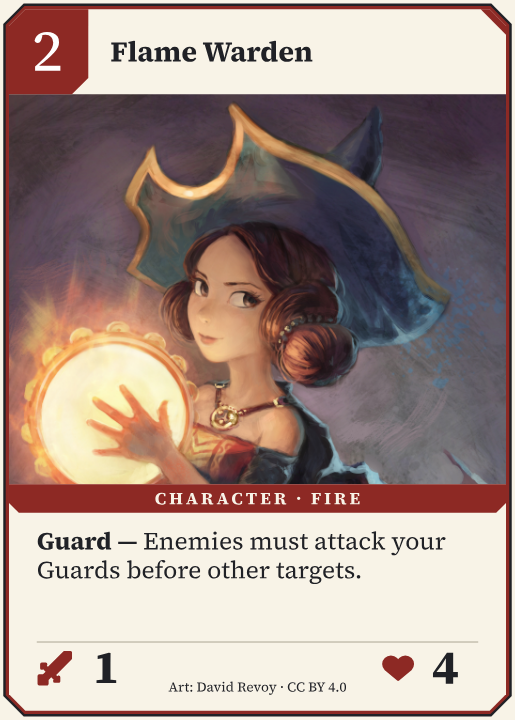
A two-faction card battler. Shape the characters, spells, and rules.
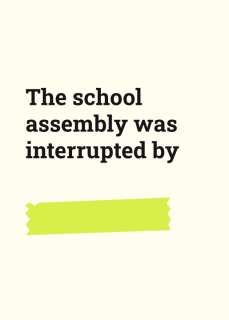
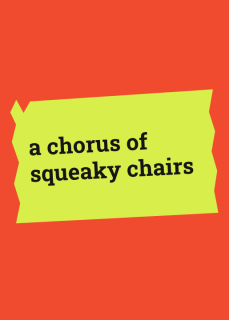
Sentence setups and answer cards. Swap in your own inside jokes.

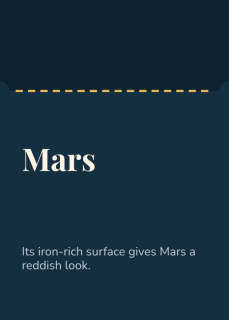
Question tickets with the answer on the back. Write your own trivia.
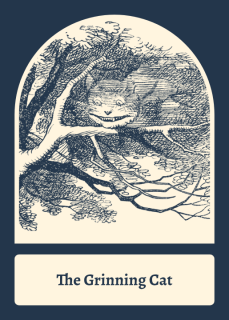
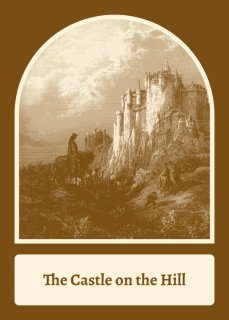
Draw a character, a place and a twist, then tell the story.
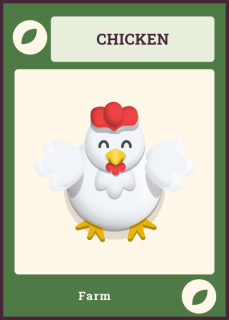
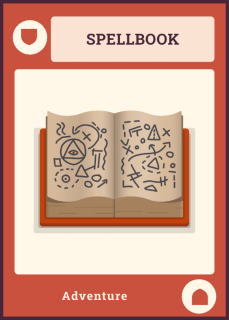
Illustrated objects in four families, for collecting or Memory.
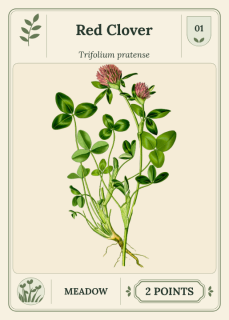
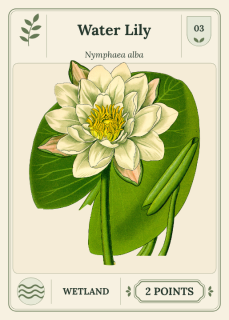
Botanical cards for a pick-and-pass collection game.
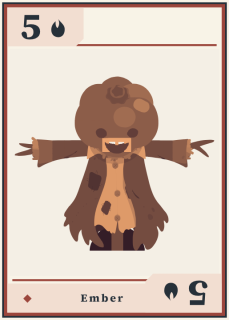
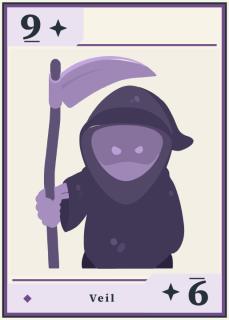
A creature-filled trick-taking deck in four colorful suits.
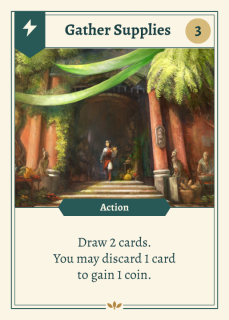
A deck-building starter with actions, resources, and upgrades.
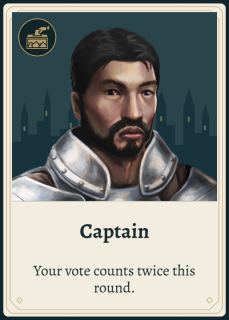
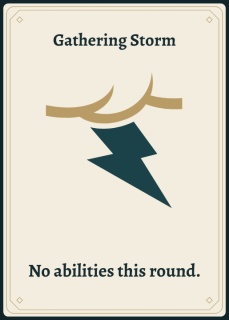
Public roles, secret sides, and a little suspicion.
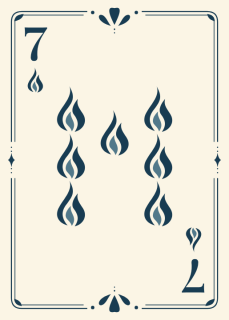

Four elemental suits. Make the colors and ornaments your own.
Yes. Design cards, playtest on your own device and download a print-and-play PDF without an account. A free account saves one project to the cloud. The Designer plan adds more projects and the AI assistant.
Plans and limitsNo. Start from a finished template, then drag, type and drop in artwork. There is no script to learn. When you want more control, the same editor has layers, guides, shared card templates and a data table for whole decks.
Make your first card gameNo. Every game starts as a free-play table where you move the cards yourself, as you would with paper. You can keep playing manually, or add dealing, turn tracking and rules in code when they help.
Choose how your game playsYes, through optional features. An AI assistant can help turn your rules into a playable digital prototype, and you can connect your own AI assistant. You don’t need either to design cards or playtest.
Dreamboard doesn’t generate artwork. The cards on this page use work by a credited artist, and I believe the art in a published game should be made by a human artist. I also use an AI coding assistant to help build Dreamboard.
AI rulesNo. We take no licence to train on your work and don’t allow our providers to either.
You do: rules, artwork, layouts and code. We only handle your files to do what you ask, like saving or exporting.
TermsYes. If you keep any template art or icons, keep their credits too.
Catalog creditsYes, anything you have the rights to use.
On your device, until you choose to save it to the cloud. You can download a backup at any time.
Dreamboard brings card design and playtesting into the same place. Start from a complete game template, make it your own, then try it at the table. Take a turn, switch seats, undo a move, change a card and play again, without exporting to another app first.
With Tabletop Simulator, everyone who joins has to buy and install the app first. Board Game Arena is for finished games. Dreamboard is for the versions in between: it runs in the browser, so playtesters only need a link.
I’m Kevin, a software engineer in Sydney, and I make Dreamboard on my own, full time. I used to work at Canva, where I saw what happens when a design tool stops asking for design experience. I wanted to bring that same accessibility to making tabletop games.
My first tester is my partner, who is making her own card game with Dreamboard. At my own table, I enjoy heavy games with plenty of player interaction. Twilight Imperium is a favourite for the epic moments I still remember years later.
Get in touch