
Edit a card
Change text, swap artwork and add shapes or icons on the card canvas.
Change text
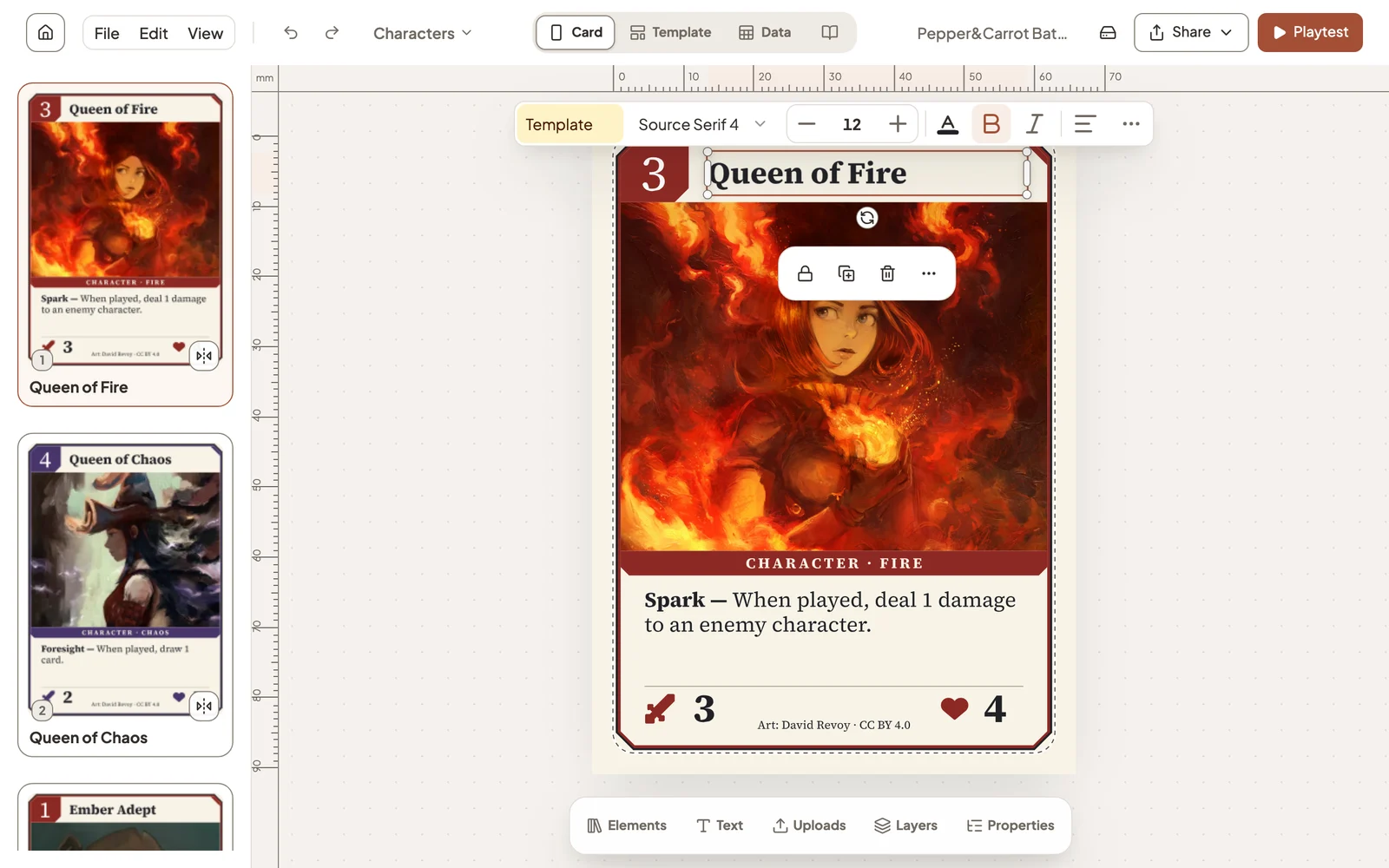
Click a piece of text to select it, and double-click to type. Click away when you are done. The toolbar above the card sets the font, size, colour and alignment.
Edit a card’s details
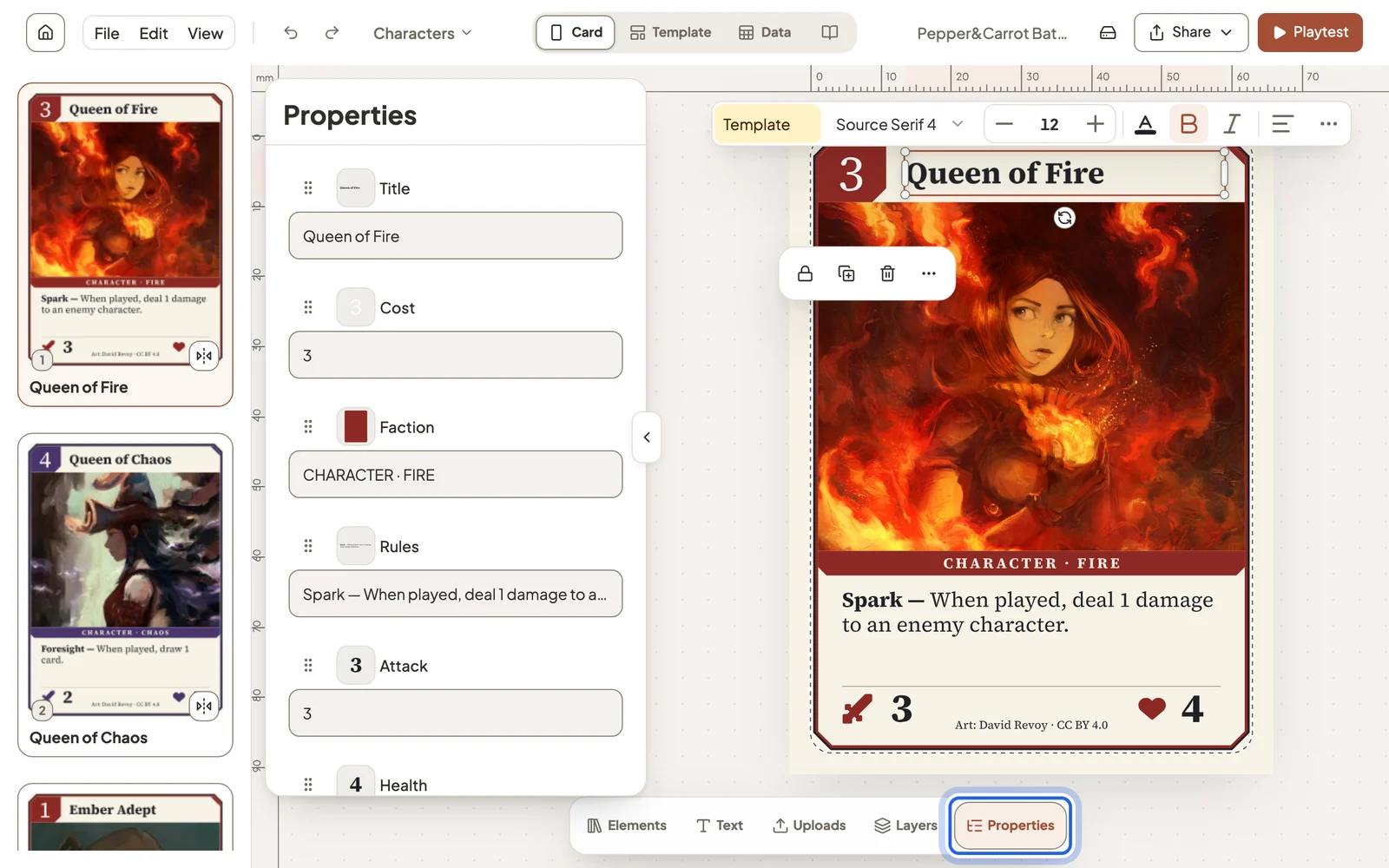
Properties lists everything that changes from card to card: name, cost, rules text, artwork. Type a new value and the card updates.
Add shapes, frames and text
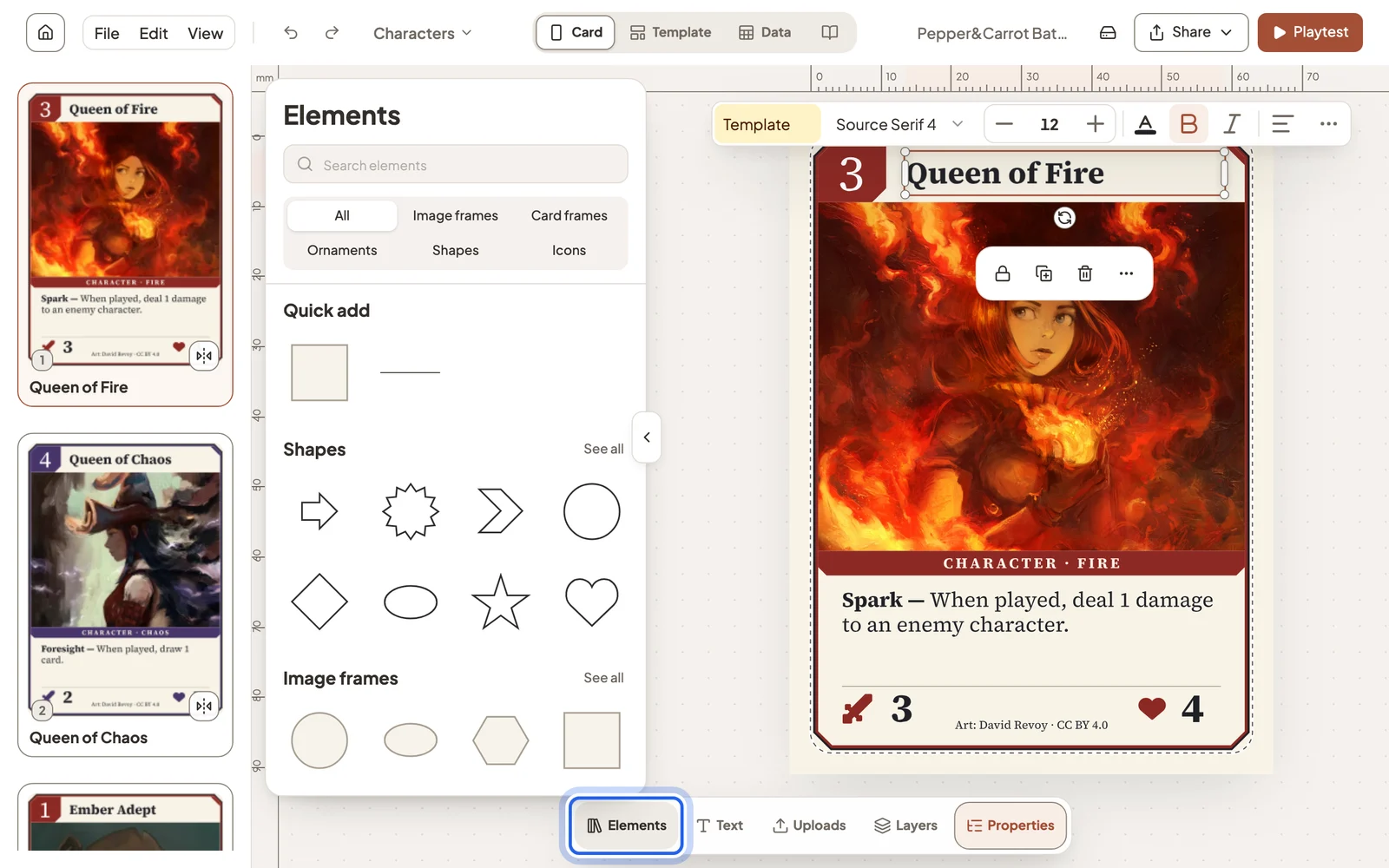
Open Elements and click a shape, image frame, card frame, ornament or icon to add it, or drag it onto the card. Text adds a new text box, and Layers reorders what sits in front.
One card or every card
In Card view, a change applies to the selected card only. Switch to Template to change the layout every card of that type shares. See Fill a deck from a table.
Handy to know
- Flip on a card in the list shows its back.
- Add card at the end of the card list makes a new card.
- Undo with Ctrl Z (⌘ Z on a Mac), or the arrows in the header.
- File → Card size… changes the size of your cards.
Still stuck?
Email support@dreamboard.games and tell us what you are trying to do.