
Move cards on the table
Draw, play, flip and shuffle with the mouse, touch or keyboard, and undo any move.
Cards
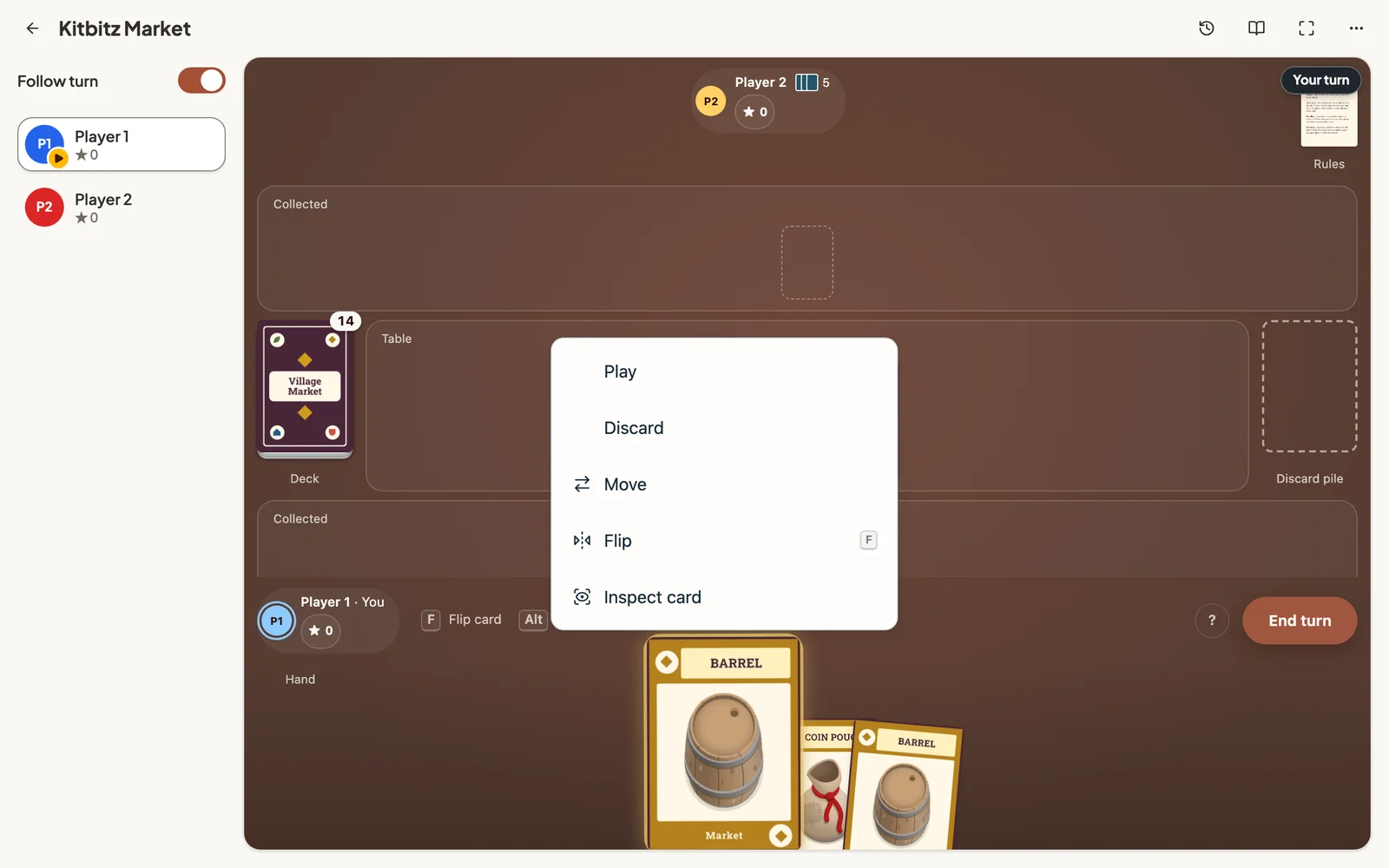
Drag a card to move it anywhere on the table, or along your hand to reorder it. Click a card for its actions: play, discard, move, flip or inspect.
Piles
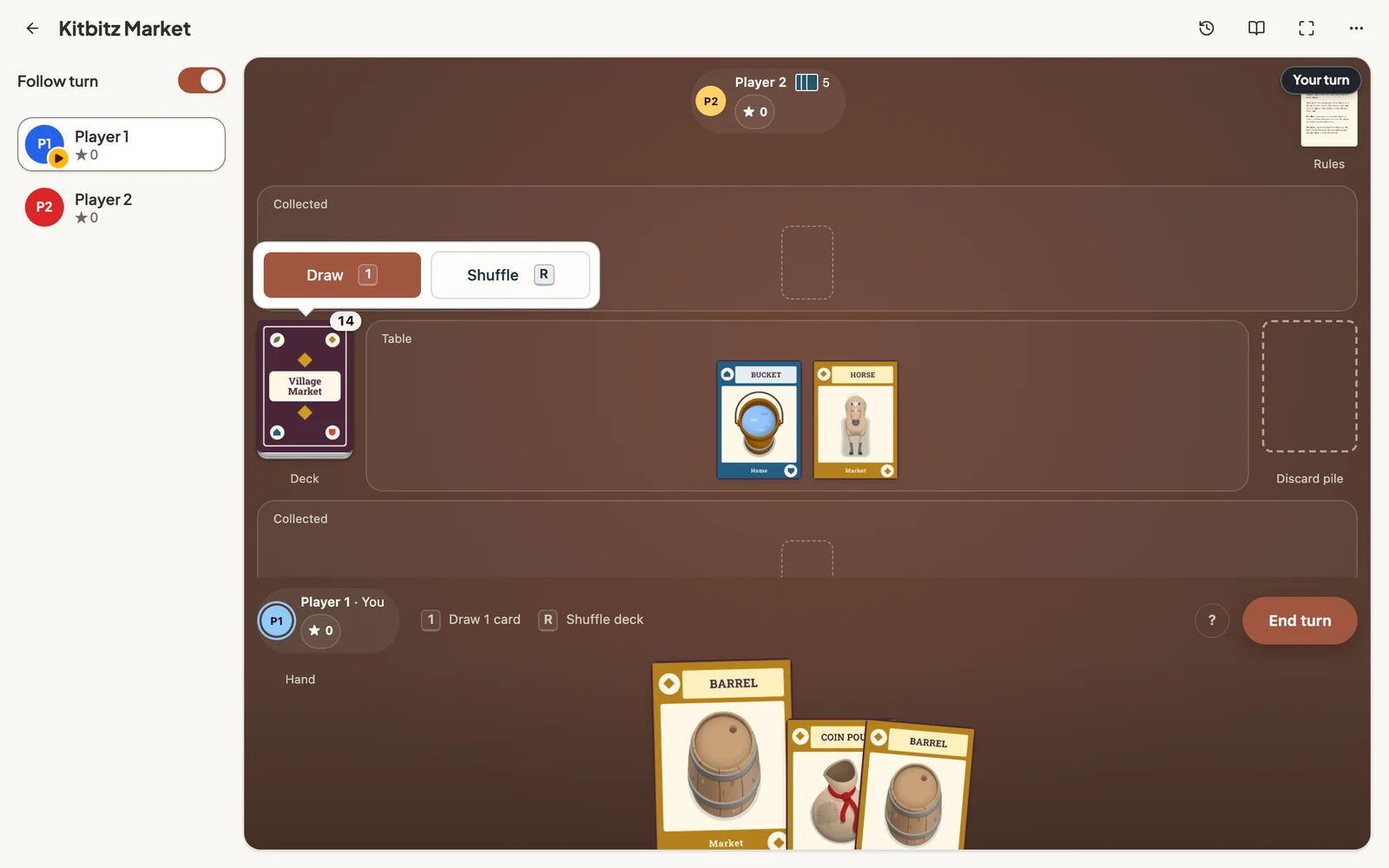
Click a pile to draw from it or shuffle it. Drag from a pile to take its top card. Hold the pile for a moment, then drag, to move the whole pile.
Several cards at once
Drag across an empty part of the table to select every card you sweep over, or hold Shift and click to add cards one at a time. Esc clears the selection.
Keyboard shortcuts
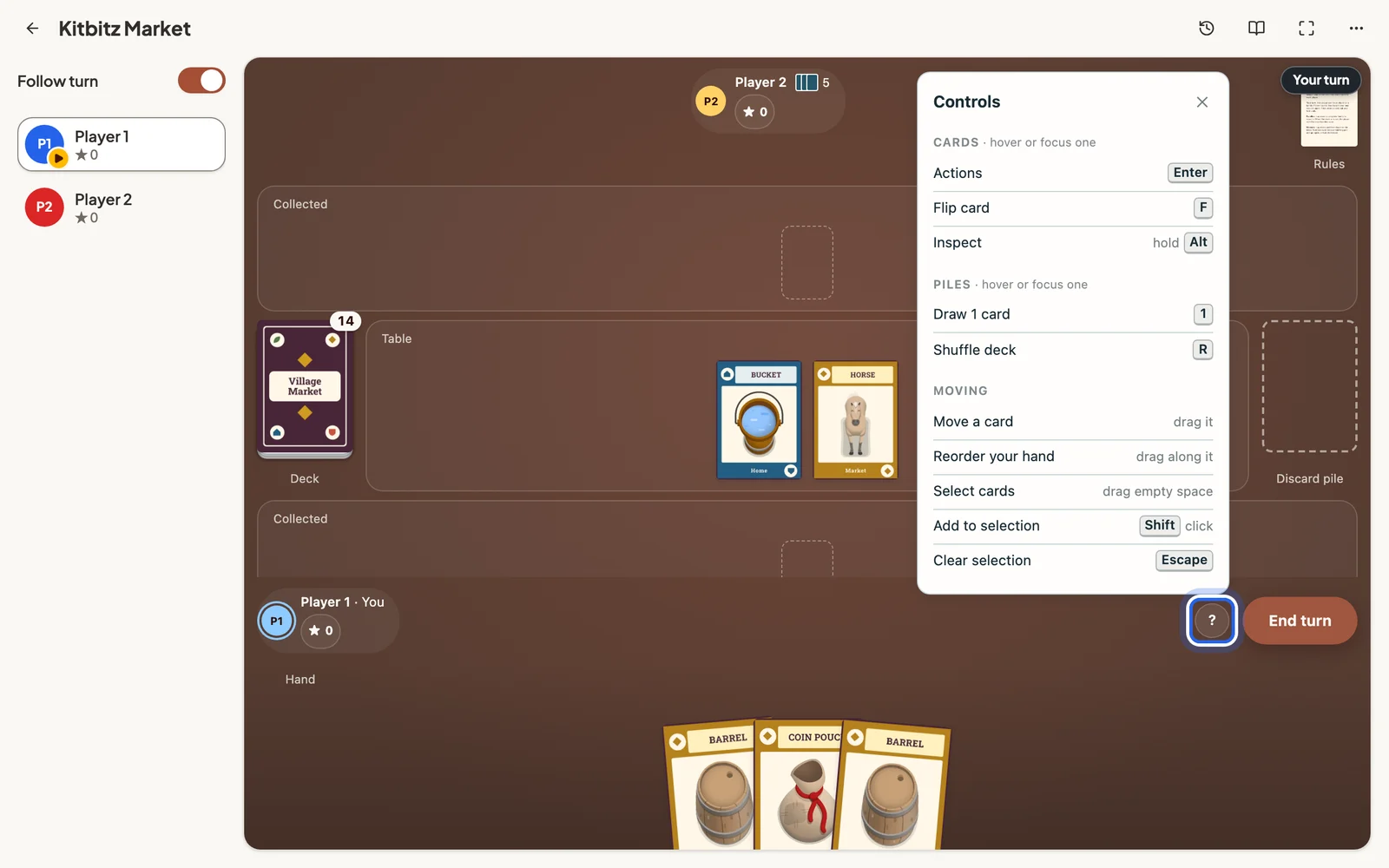
Hover over a card or pile, then press a key. The ? button on the table lists the shortcuts for the game you are playing.
- Enter opens a card’s actions
- F flips a card
- Hold Alt to inspect a card up close
- 1 draws a card from a pile
- R shuffles a pile
On a phone or tablet
On a phone or tablet, tap a card or pile for its actions, drag to move, and press and hold a card to inspect it.
Still stuck?
Email support@dreamboard.games and tell us what you are trying to do.